📦 Calculate shipping price
Measure a Parcel From a Photo: The AI Ruler Trick That Replaces Your Tape Measure
No Comments
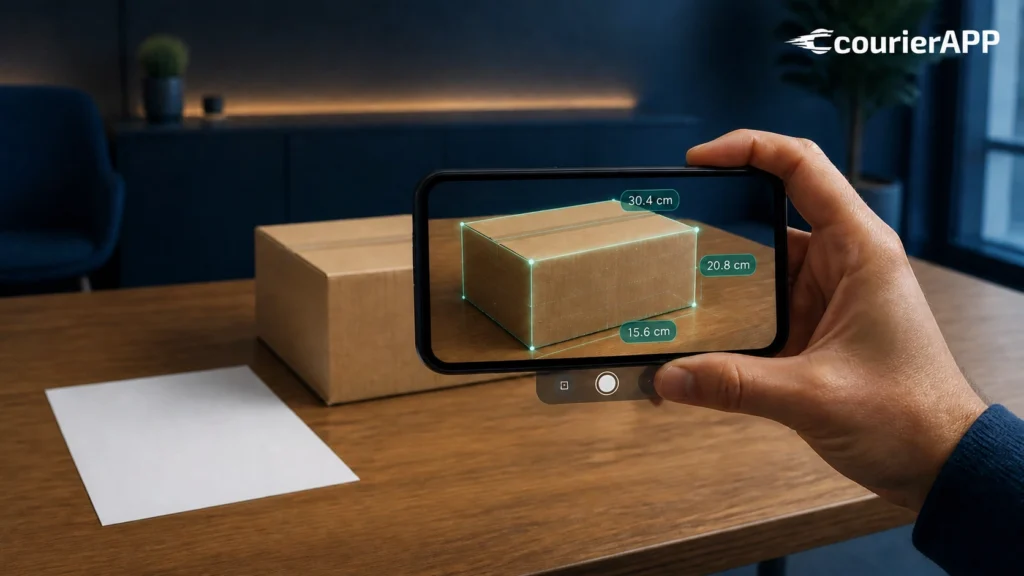
Measure a parcel from a photo and you can stop hunting for the tape measure that vanished into a drawer three years ago. CourierAPP is the first Greek courier app with built-in artificial intelligence, and one of its most practical tools does exactly that: you place an ordinary A4 sheet next to your box, take a single picture, and the app estimates the dimensions for you. The whole point is simple — photograph it, send it, done.
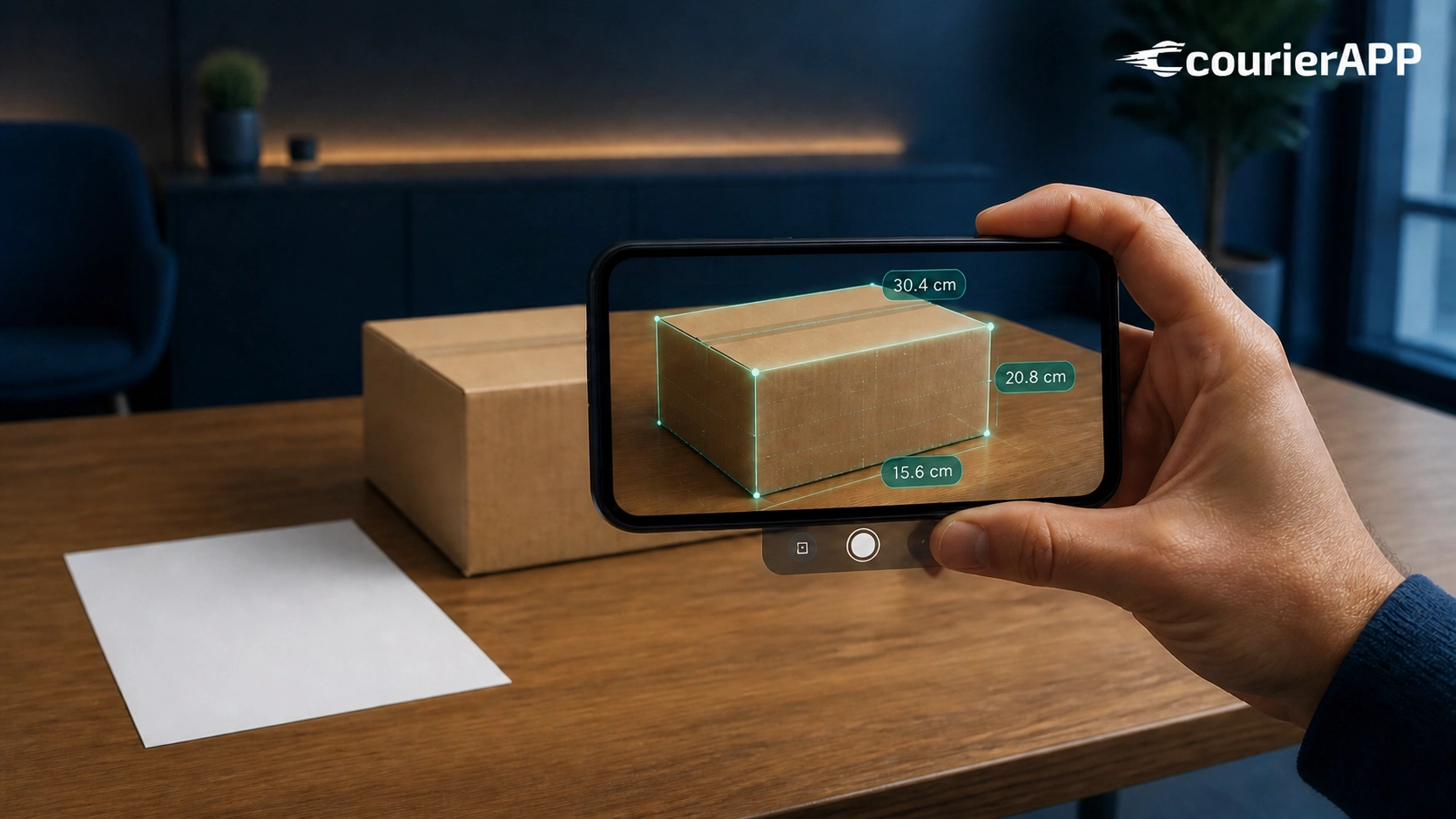
This guide explains how the A4 ruler trick works, why dimensions matter more than most people expect, and how to get an accurate final price including VAT in about thirty seconds. It is written for anyone shipping from Greece: students, small e-shops, travellers who left something behind, and businesses that send parcels every week.
Why measure a parcel from a photo instead of using a tape measure
Most people underestimate their box. They remember it as “roughly 40 by 30”, round the numbers down, and only discover the truth when the carrier re-weighs the shipment at the sorting hub. That gap between the declared size and the real size is the single most common reason a shipping quote turns into a surprise adjustment later.
The problem is not dishonesty. It is that measuring a sealed box properly is genuinely fiddly. You need to measure after taping, include any bulges, and record the longest point on each axis. A tape measure held against a cardboard corner slips, and the number you write down is usually optimistic.
When you measure a parcel from a photo, the guesswork moves from your memory to a reference object with a known size. An A4 sheet is exactly 21 by 29.7 centimetres everywhere in the world. Put it flat against the side of the box, and the AI has a reliable scale to work from.
How to measure a parcel from a photo with an A4 sheet
The process takes under a minute and needs nothing you do not already own.
Step one. Seal and tape the box first. Measuring an open or half-packed carton is pointless, because the final shape is what travels.
Step two. Take a plain A4 sheet — printer paper, a page from a notebook of that size, anything standard. Tape it or hold it flat against the largest face of the box so the whole sheet is visible.
Step three. Step back far enough to fit the entire box in frame, including all four corners. Shoot straight on rather than from above at an angle. The app shows a green framing guide; when the box sits inside it, you are in the right position.
Step four. Take the picture. The AI reads the A4 sheet as a ruler and returns estimated length, width and height.
Step five. Check the numbers. This is the part people skip and should not. The estimate is a starting point, not a verdict — if something looks off, adjust it by hand before you confirm.
Good light helps enormously. A box photographed in a dim hallway against a dark floor gives the model far less to work with than the same box on a pale kitchen table near a window.
What the AI is actually doing behind the scenes
There is no magic here, and it is worth understanding the mechanism so you know when to trust it. The model identifies the A4 sheet, works out how many pixels correspond to its known 21 centimetre width, and uses that ratio to convert the box edges into centimetres. It also corrects for perspective, which is why shooting straight on matters.
Where it struggles is predictable. Very reflective surfaces, a sheet that is crumpled or partly hidden, extreme angles, and boxes photographed against a background of the same colour all reduce accuracy. In those cases the app will still give you a figure, but your own sanity check is doing real work.
Because the estimate is an assistant rather than a replacement, you always confirm before booking. Nothing is submitted to a carrier on the strength of a photograph alone.
Volumetric weight: why your dimensions decide the price
International courier pricing does not run on actual weight alone. Carriers charge the greater of two numbers: what the parcel weighs on the scale, and what it “weighs” in terms of the space it occupies. That second figure is volumetric weight, and the formula is straightforward:
Length × Width × Height (in centimetres) ÷ 5000 = volumetric kilograms.
A box of 40 × 30 × 25 centimetres comes to 6 volumetric kilos even if it holds three kilos of clothing. You will be charged for six. This is why a duvet costs more to send than a laptop, and why the ability to measure a parcel from a photo is not a gimmick — it feeds directly into what you pay.
Two boxes with identical contents can differ by twenty euros purely because one is packed tightly and the other has ten centimetres of air on every side. Squeezing your packing is often the cheapest saving available to you.
Step by step: your first AI-measured shipment
Here is the full booking flow, from empty box to collected parcel.
Pack the item with real padding — at least three to five centimetres of cushioning around anything fragile — and tape the box closed along every seam. Then open the app and choose your service: parcel, envelope, laptop or suitcase, in Express or Economy.
Next, add the addresses. If you are holding a printed label or an invoice with the delivery address on it, you can photograph that too and let the AI read it rather than typing everything by hand. It is the same principle applied to text instead of geometry.
Now measure a parcel from a photo using the A4 method described above, confirm the dimensions, and either weigh the box on a bathroom scale or describe the contents and let the AI estimate the weight for you. Both routes end at the same place: a final price including VAT, shown before you commit to anything.
Choose your carrier. CourierAPP shows live pricing from both DHL and FedEx, across Express and Economy services, so you can see the trade-off between speed and cost side by side rather than taking one operator’s word for it.
Pay online, and a courier collects from your door anywhere in Greece. From that moment you follow the shipment in the app until the recipient signs for it.
Accuracy, re-weighing and why we do not promise perfection
No photo-based system produces laboratory-grade measurements, and any company claiming otherwise is overselling. What the AI gives you is a fast, reasonable estimate that is far better than a guess from memory.
The carrier re-weighs and re-measures every parcel at its hub. That is standard practice across the industry and has nothing to do with the app. If the real figures differ from what you declared, only the difference is adjusted — you are not penalised, and you are not charged twice. If the parcel turns out smaller than estimated, the correction works in your favour.
We think that framing is fairer than pretending the estimate is final. You get speed at the booking stage and transparency at the settlement stage.
The other two AI tools worth knowing about
The measurement tool is one of three. The other two remove different kinds of friction.
Address scanning. Photograph a shipping label, an invoice or a handwritten note, and the AI extracts the recipient’s name, street, postcode and city into the form. This matters more than it sounds: incomplete addresses are the number one cause of delivery delays, and typing a Dutch or Polish address from a phone screen invites typos.
Weight estimation from a description. Type what is inside — “two pairs of winter boots and a wool coat” — and the AI proposes a likely weight. Combined with the ability to measure a parcel from a photo, you can price a shipment without owning a scale or a tape measure at all.
All three tools are optional. You can always type every field manually if you prefer. If you want the full picture of how these fit together, our guide on how to ship a parcel with AI covers the complete workflow.
Sending several boxes at once: multi-piece shipments
A single booking can now hold up to ten parcels. There is an “Add parcel” button in the form, and each piece gets its own dimensions and weight — so you measure a parcel from a photo once per box rather than creating ten separate bookings.
The shipment is priced as one job, and every piece receives its own tracking number. This is the natural choice for a house move, a student heading abroad with more than one suitcase, an e-shop sending a batch of orders to the same country, or anyone consolidating a season’s worth of belongings.
One practical tip: number the boxes on the outside and keep a short list of what is in each. If a recipient asks where something is, you will know which tracking number to check.
What you can and cannot send
Before you measure a parcel from a photo, make sure the contents are allowed to fly. The restrictions are set by aviation and customs rules, not by the courier’s preference.
Not accepted: aerosols and pressurised cans, perfumes and other flammable liquids, loose lithium batteries and power banks, lighters, fireworks, perishable food, live plants and animals, cash and bearer instruments.
Accepted with conditions: laptops and phones travel fine as long as the lithium battery is installed inside the device rather than packed loose. Sealed non-perishable food is usually acceptable within the EU but restricted for many destinations outside it. Medicines need a prescription for some countries.
Always fine: clothing, books, documents, ceramics and glassware with proper padding, tools, toys, textiles.
Describe the contents honestly. A vague entry like “gift” is one of the fastest ways to have a parcel held at customs, and the delay costs far more time than an accurate sentence would have taken to write. The official DHL prohibited items guidance is a useful reference if you are unsure about something specific.
Common mistakes when you measure a parcel from a photo
A handful of errors account for most of the inaccurate estimates we see.
Photographing before taping. The box changes shape once it is sealed and the flaps are down. Measure the finished article.
Hiding part of the A4 sheet. If a corner of the paper is behind the box or folded over, the scale reference breaks. The whole sheet must be visible and flat.
Shooting from above. A steep angle distorts the proportions. Stand back and shoot at roughly the height of the box’s centre.
Ignoring bulges. If the box is overfilled and the sides curve outward, the real measurement is the widest point, not the flat panel. Repack rather than hope.
Accepting the estimate without a glance. Ten seconds of checking prevents most problems. If the app says 25 centimetres and the box is clearly taller than an A4 page, correct it.
A cost-saving checklist before you book
Once you can measure a parcel from a photo in seconds, the remaining savings come from choices rather than measurement.
Choose Economy for anything over five kilos that is not urgent — the difference against Express grows steadily with weight, and at twenty kilos it approaches half the price. A five kilo parcel to Europe starts at €48.90 on Economy, and ten kilos at €59.90 .
Downsize the box. Removing five centimetres from each dimension on a medium carton can drop you a whole volumetric kilo band.
Consolidate. One parcel to a single recipient almost always beats three small ones, and multi-piece booking makes combining straightforward.
Compare both carriers in the app rather than assuming one is always cheaper. Prices differ by lane and by weight, and the cheapest international shipments start from €19.90 .
For suitcases — the classic student and Erasmus case — sending 23 kilos to Europe on Economy starts at €87.90 , which usually undercuts airline excess baggage fees while sparing you the airport handling entirely. Our guide to cheap parcel delivery abroad goes through the arithmetic in detail.
Privacy: what happens to your photos
The images you upload are used for one purpose only — calculating and preparing your shipment. They are not repurposed for advertising, not sold, and not used to build a profile of you.
That is worth stating plainly, because handing a photograph of your belongings to an app is a reasonable thing to hesitate over. The address-scanning tool in particular processes personal data, and it does so strictly to fill in the booking form.
Delivery times and tracking
Express to major European cities typically lands in one to two working days, with three for remote areas. Spain, Portugal, Scandinavia and the Baltics usually take two to three. Economy moves by road or on a combined route and delivers in three to six working days across most of the EU.
Every shipment carries end-to-end tracking from collection to signature, which is the practical difference between a courier network and a traditional postal service where visibility often stops at the border. Recipients can redirect to a neighbour or a pickup point if they will not be home, and two delivery attempts are standard before a parcel returns to a local depot.
Destination-specific detail matters too. If you are sending to Germany, for instance, our page on shipping from Greece to Germany covers the local quirks worth knowing. CourierAPP delivers to 220+ destinations worldwide.
Who benefits most from this
Students packing for a semester abroad, who own neither a scale nor a tape measure in a half-empty flat. Small e-shops pricing an order while the customer is still on the phone. People clearing out a family home and shipping boxes to relatives in three countries. Travellers who left a jacket in a hotel and need it sent on.
That last case has its own dedicated service: if a guest forgets something at a hotel, villa or short-term rental in Greece, the Lost and Found service lets the guest pay online while the property simply hands the item to the courier at no cost to itself.
Frequently asked questions
How accurate is it when I measure a parcel from a photo?
It is an estimate, not a laboratory measurement. With a fully visible A4 sheet, decent light and a straight-on angle it is usually close enough for pricing. The carrier re-measures at its hub and only the difference is adjusted, so nothing is hidden from you.
Do I need a special app or scanner to measure a parcel from a photo?
No. You need the CourierAPP app or web app, an ordinary A4 sheet of paper and a phone camera. There is no separate scanner, subscription or hardware.
Can I measure a parcel from a photo for several boxes in one booking?
Yes. A single booking supports up to ten parcels. Use the Add parcel button, photograph each box in turn, and the shipment is priced as one job with separate tracking per piece.
The bottom line
The ability to measure a parcel from a photo removes the most annoying step in booking an international shipment, and it removes the step where most people get their price wrong. An A4 sheet, one picture, a quick check of the numbers, and you have a final price with VAT in around thirty seconds.
Photograph it. Send it. Done.